https://stb.crazyjune.eu/de
Here, too, different languages can be selected:

via the icon
 I go to the search menu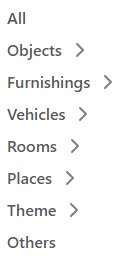
Here I can set further search criteria
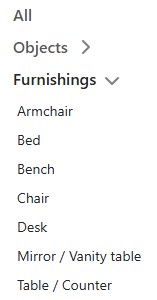
After selecting my search criteria,
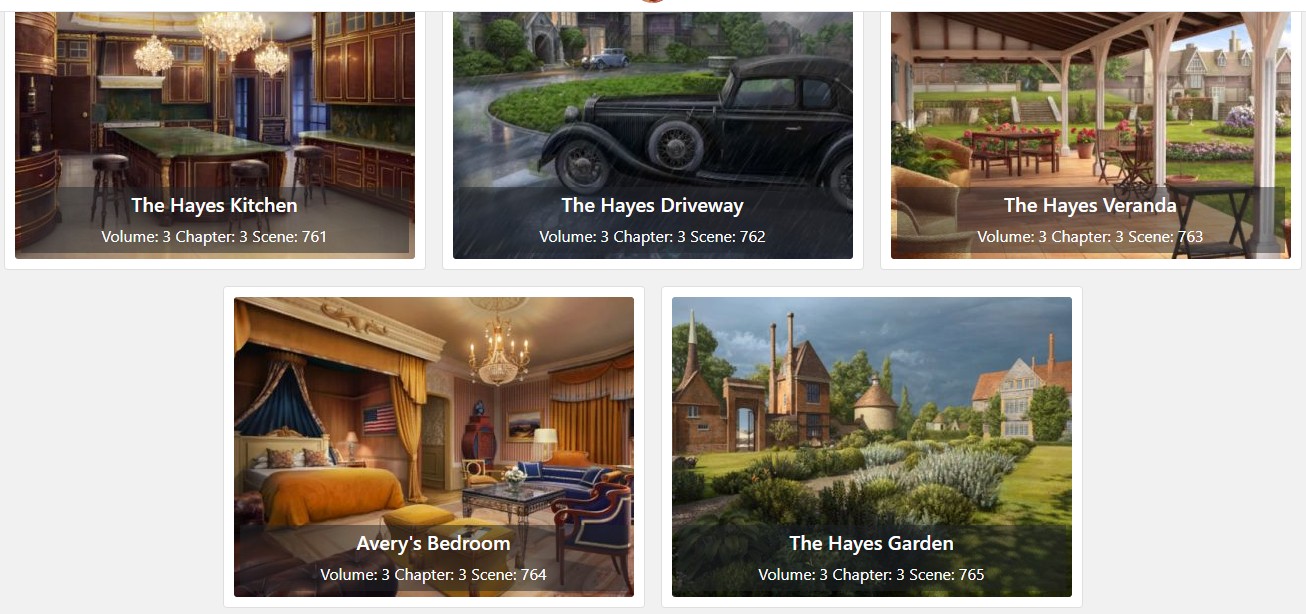
various scenes are displayed.
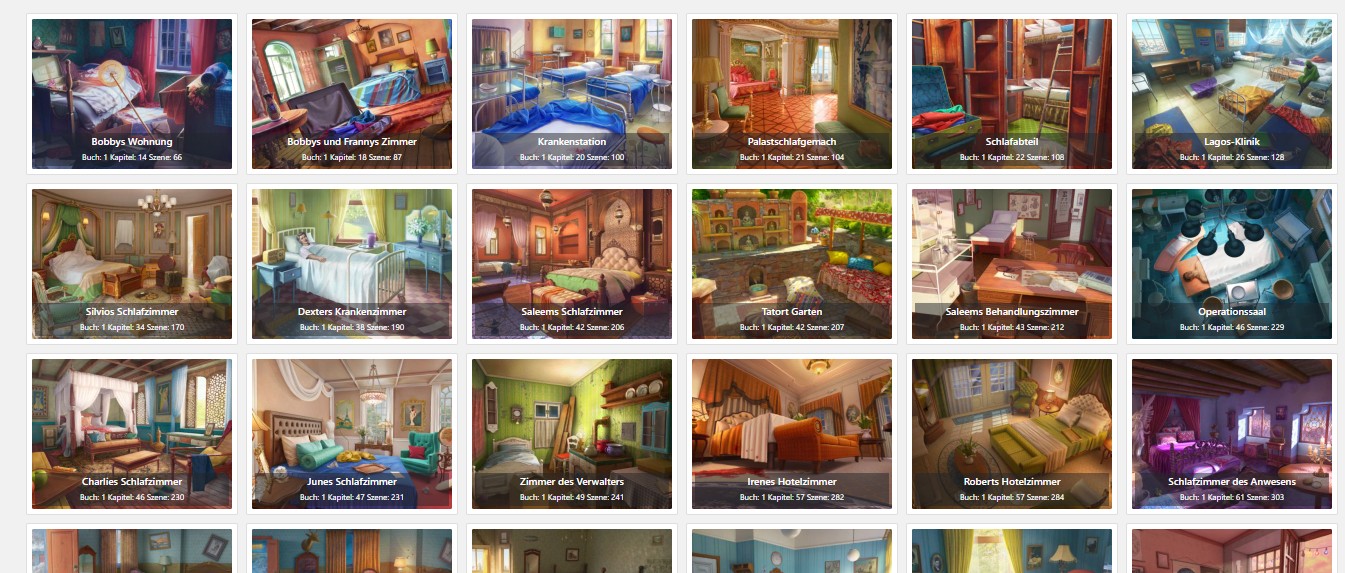
If the scene I am looking for is there, I can open it
and get two images:
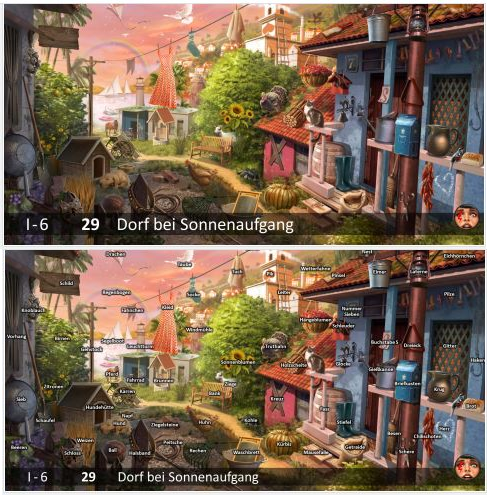
once the scene with all objects
and once the scene with the objects labeled
If I already have the scene number, I can also go directly to the corresponding scene: